
Understanding Grouped Hexadecimal Values in Real Logs
Learn how grouped byte strings map cleanly into decimal interpretation without losing context.
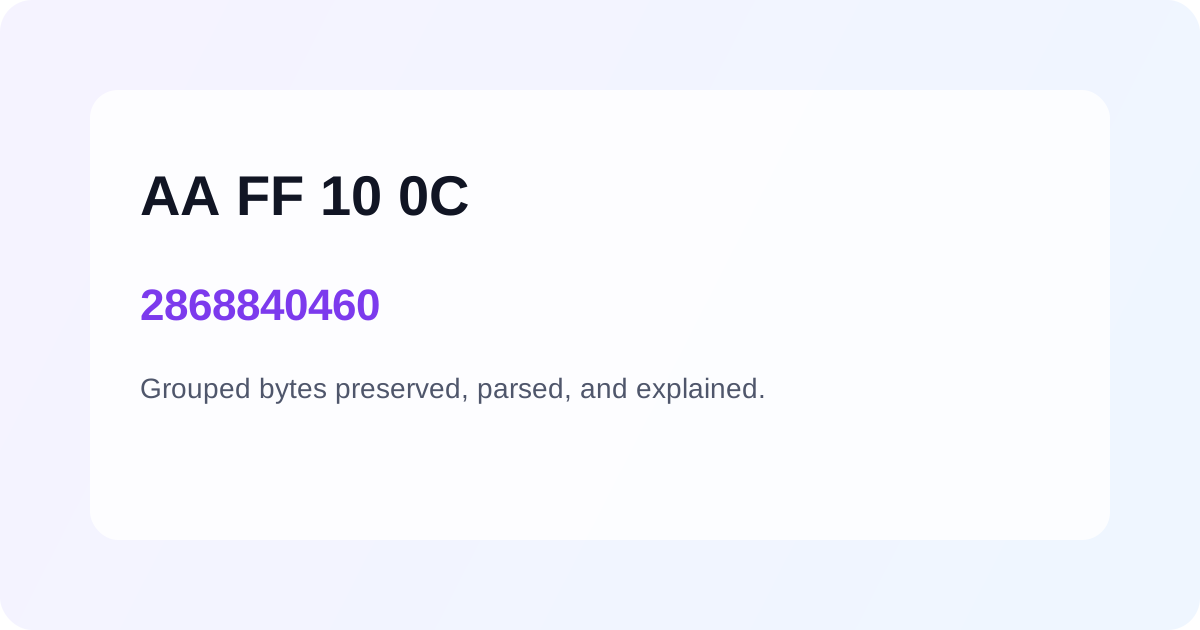
Grouped hexadecimal values show up everywhere: firmware traces, packet captures, and support logs. The hardest part is rarely the arithmetic. It is preserving the context around the bytes while translating them into something a broader team can understand.
Why grouping matters
When values arrive as AA FF 10 0C, the spaces carry meaning. They tell us this was probably copied from a byte-oriented surface. A thoughtful converter should accept that input directly instead of forcing cleanup first.
A calm workflow
- Keep the original grouping visible.
- Normalize the value only for parsing.
- Return decimal output with a quick explanation.
A premium tool removes friction before it removes ambiguity.
Example
Hex input: AA FF 10 0C
Normalized: AAFF100C
Decimal: 2868840460
Teams move faster when the converter respects the format they already have.
Related posts
Workflow
Hex Prefixes and Clean Inputs: When 0x Helps and When It Gets in the Way
A practical look at how prefixes, spacing, and copied logs affect conversion reliability.
Workflow
Building Trust with Fast Validation in Conversion Tools
Immediate validation helps users correct mistakes before bad data spreads through tickets, docs, or debug notes.
Workflow
From Firmware Log to Report-Ready Number
A strong conversion workflow helps teams move from raw device output to polished documentation quickly.